DeepSeek's new harness only lets you run its web UI on 127.0.0.1 (localhost) by default — if you specify 0.0.0.0 as host, it'll throw an error and refuse to run. This is on purpose for security until they implement a proper auth method. Currently, patching it to run on 0.0.0.0 will give passwordless access to your computer to everyone on your network. Not good.
I initially patched support in for this, but it's not sustainable because the harness is still in 0.1.x stage and gets multiple updates per day.
¶The correct way: SSH port forwarding
That's what the official docs now recommend. Doing it is easy. Once you have dsh web running on the server you wish to connect to, run the following on your computer:
ssh -N -L 3080:127.0.0.1:3080 username@server-addressSubstitute username and server-address for your setup. For example:
ssh -N -L 3080:127.0.0.1:3080 john@192.168.1.110Now navigate to 127.0.0.1:3080 in your browser and voilà:
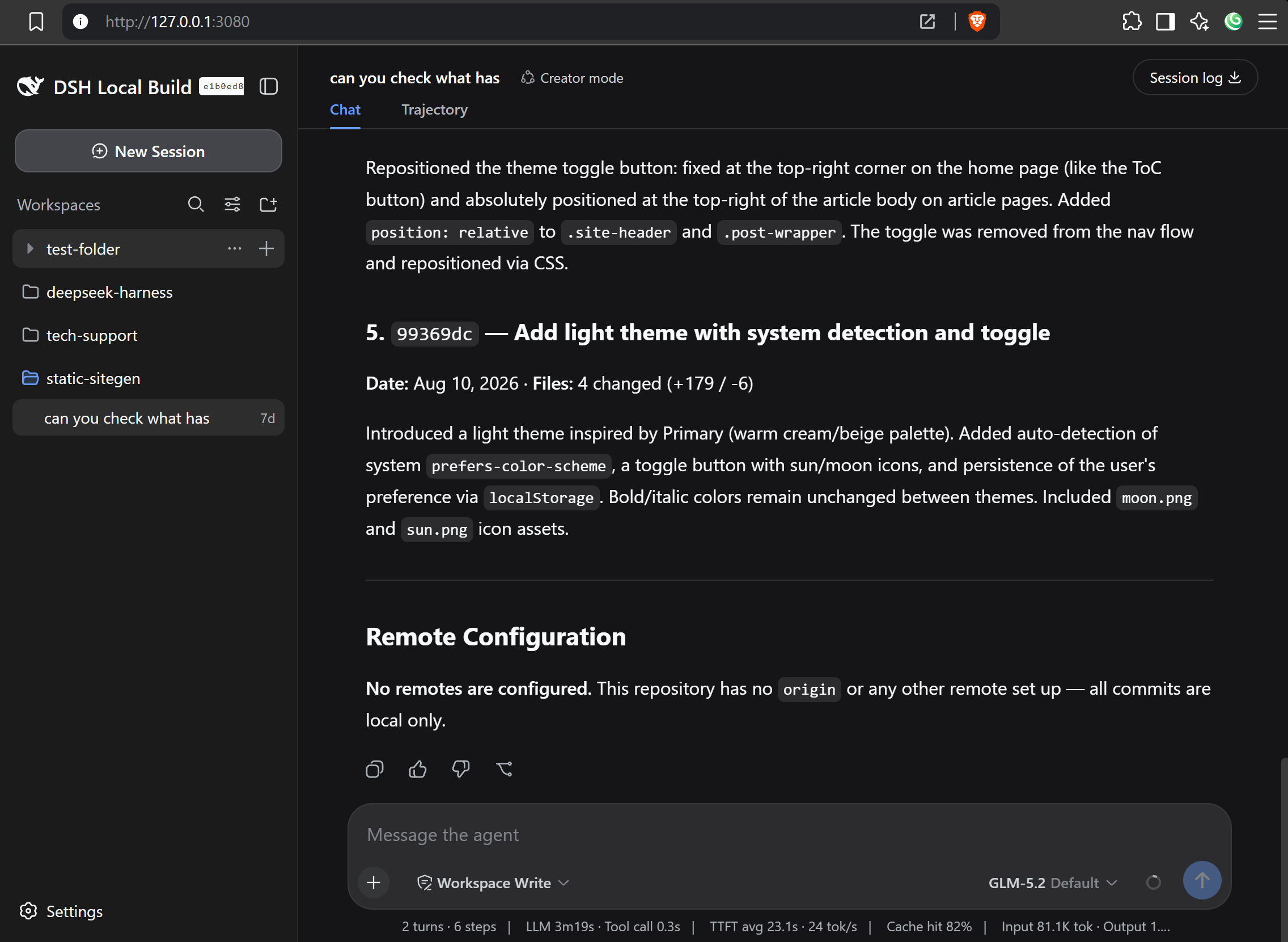
If you wish to use a different port to connect to the server (for example if you also run a dsh instance on your computer, just replace the port number after 127.0.0.1:
ssh -N -L 3080:127.0.0.1:8888 john@192.168.1.110Then navigate to 127.0.0.1:8888 in your browser.
¶Making it simpler and permanent
If you regularly forward ports from other servers, longwinded ssh -N -L ... commands gets old pretty fast.
Add this to your ~/.ssh/config:
Host dsh-fedora
    HostName server-address     # eg. 192.168.1.110
    Port 22                     # replace with your server's SSHD port
    User server-username        # eg. john
    LocalForward 8888 127.0.0.1:3080
    ServerAliveInterval 60
    ServerAliveCountMax 3
Now run:
ssh -fN dsh-fedoraThen navigate to 127.0.0.1:8888. The -f flag forks the connection to background, -N runs the tunnel without a shell.
To kill the connection, run pkill -f "ssh -fN dsh-fedora".
Eazy.